Flybox

End-to-end design for a smart storage service
Flybox transforms personal storage through an app-centered approach that prioritizes simplicity, speed, and mobile-first design. The challenge was to support the entire logistics flow — from the customer-facing app to the internal admin tools used by operations teams.
The product design team developed visual and interaction patterns for the customer application, delivering an interface that feels contemporary and approachable. The platform simplifies core tasks — scheduling pickups, browsing stored belongings, and arranging deliveries — making each interaction seamless and uncomplicated.
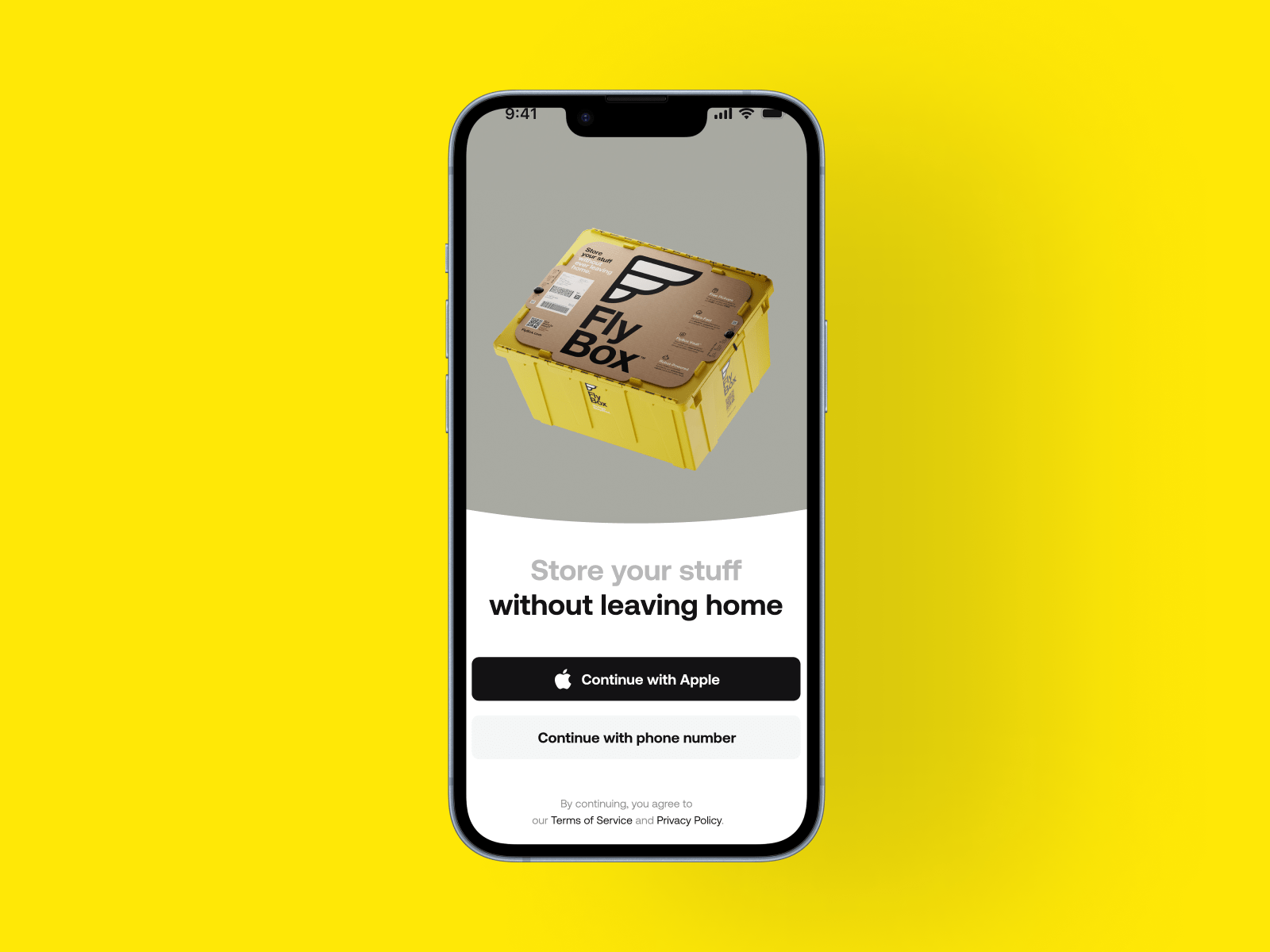
Visual identity, customer app & admin panel
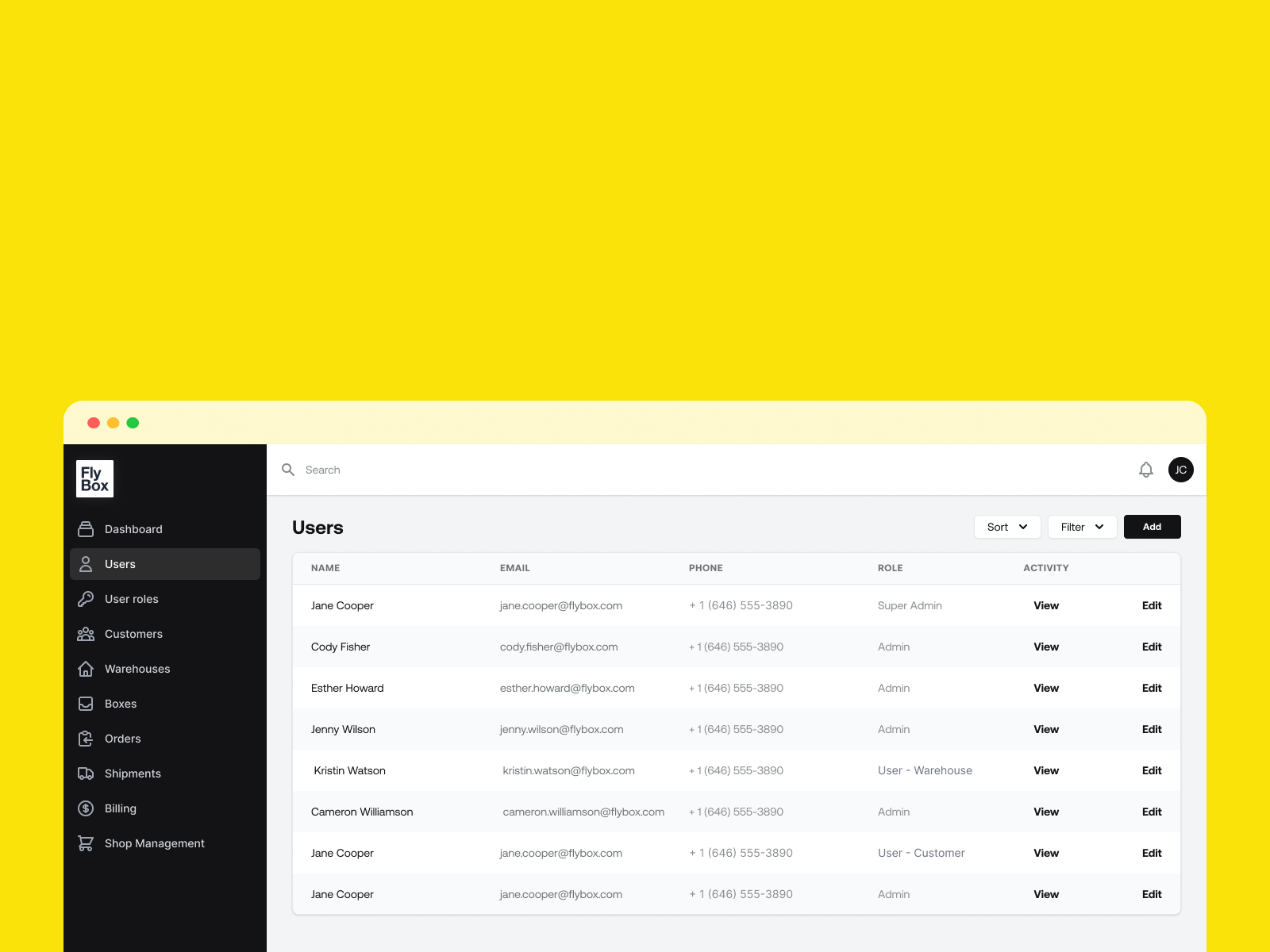
As Product Designer, I contributed to establishing Flybox's visual and functional identity. My work encompassed the customer-facing mobile application alongside leading the administrative panel used by internal logistics personnel.
Responsibilities included designing user-centered interfaces, maintaining design consistency across both products, and converting sophisticated operational requirements into intuitive, practical solutions.
A digital experience built to support the entire logistics flow — from the customer-facing app to the internal admin tools.
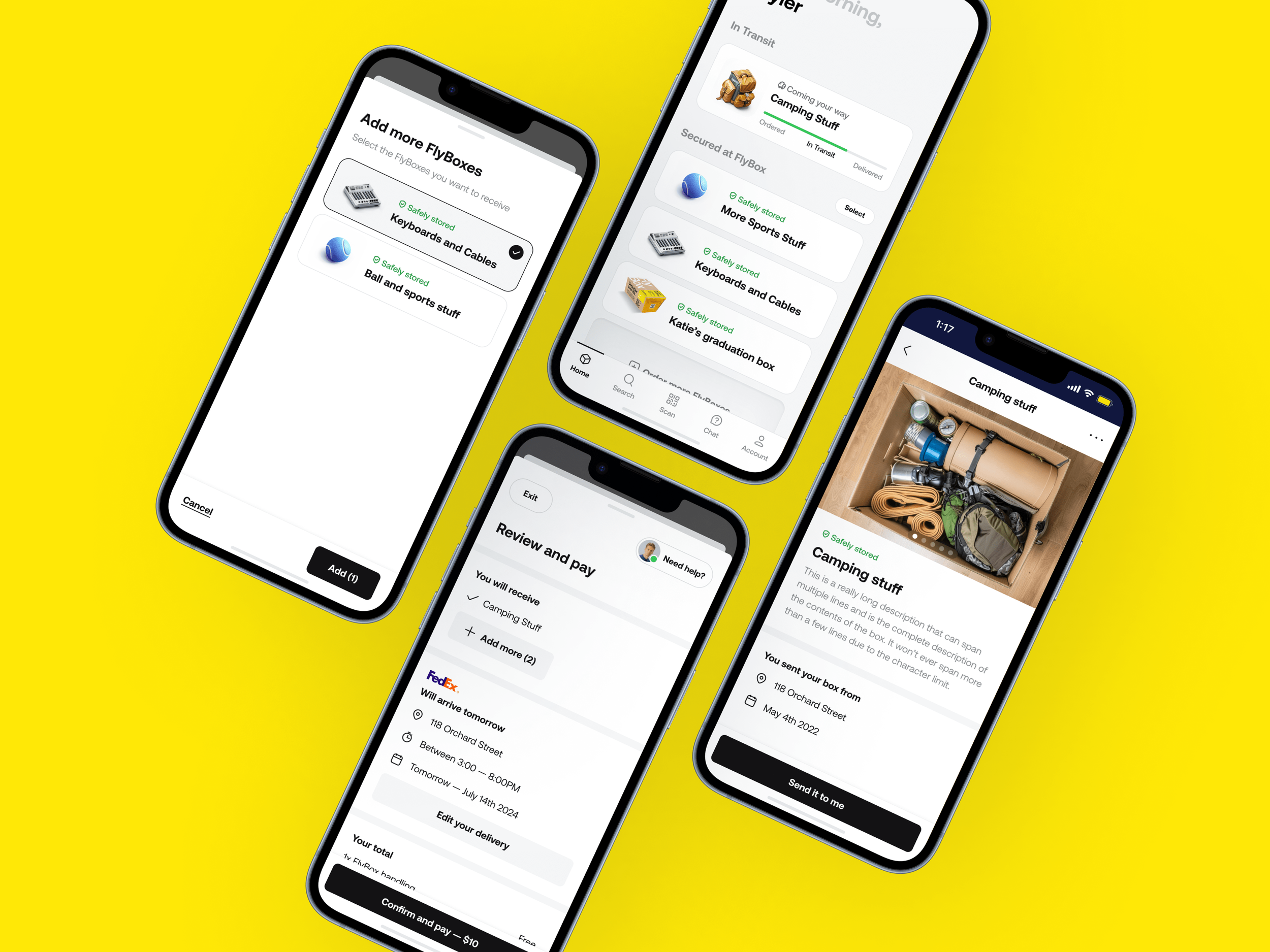
A smart and intuitive app for on-demand storage
Each screen was carefully crafted to minimize friction, surface key information, and build user confidence — especially around logistics and timing. Users can schedule pickups, track their stored items visually, and arrange deliveries directly from the app.
The design language leans into clarity: generous white space, strong typographic hierarchy, and a color system that guides users through each step without cognitive overload.

An efficient internal tool for operations at scale
The internal dashboard supports the logistics team managing users, storage facilities, and delivery operations. Design prioritized usability and efficiency — streamlining processes and establishing reusable components that could grow with the business.
The outcome delivers a purposeful platform enabling staff to manage substantial activity volumes with reliability and speed — reducing manual overhead and giving the operations team full visibility across the entire service.